BEMRIX / FLUTTER APP DEVELOPMENT
A little more
clarity.
Productivity
Tasks, routines and focused time.
One thoughtful place for your day.
- Discipline
- Mobile app development
- Built with
- Flutter · Riverpod · Hive
- Core experience
- Plan → Focus → Reflect
- Storage
- Local, on the device
THE IDEA
Less to juggle.
More room to act.
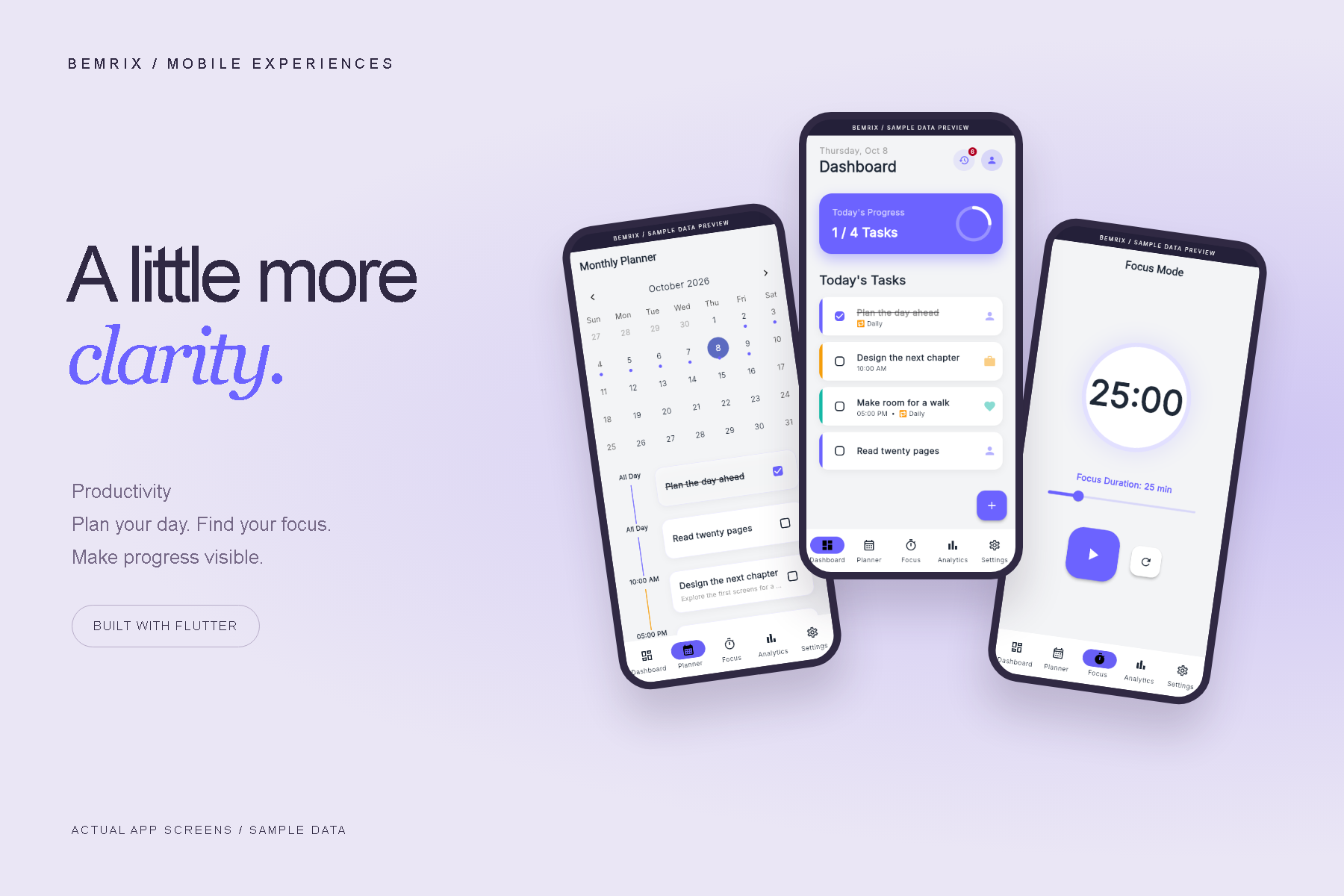
Daily planning often spreads across a task list, a calendar and a separate timer. This project brings those small habits into one connected experience, with a consistent visual language and quick access to the next action.
The app combines editable tasks, personal categories, recurring routines, a monthly planner and timed focus sessions. A soft neutral canvas and violet accents keep attention on the work ahead.
FOUR PARTS OF A BETTER DAY
From intention
to attention.
01 / ORGANIZE
A clear place to begin.
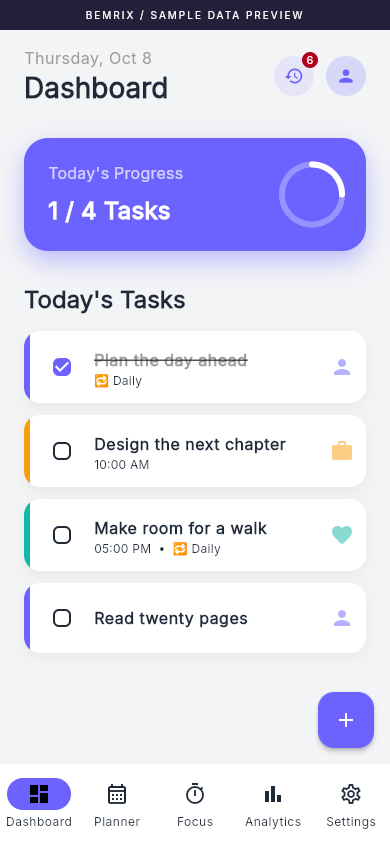
A daily dashboard brings tasks, priorities and categories together. Recurring routines sit alongside one-time plans.
02 / PLAN
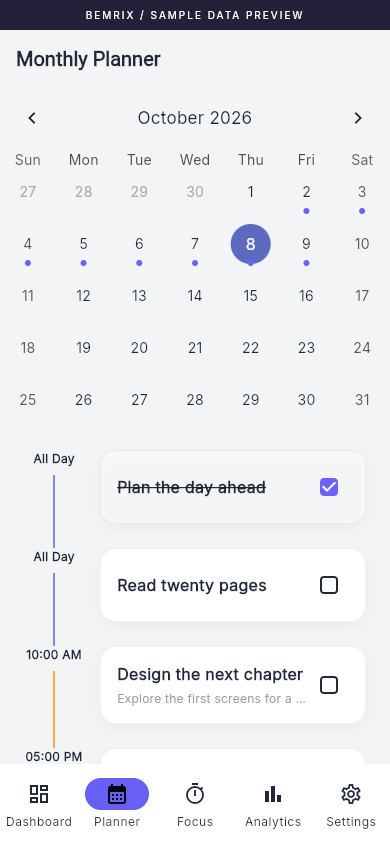
See the shape of your month.
Move between dates, review scheduled work and add a task without losing the context of the calendar.
03 / FOCUS
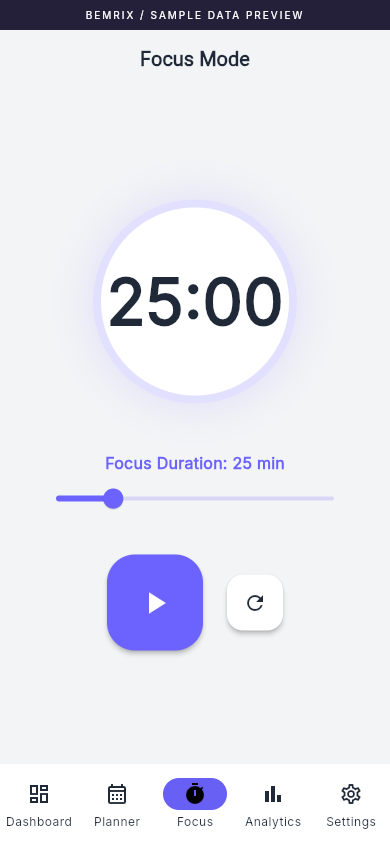
Make time for one thing.
Choose a session length, start the clock and pause when you need to. Completed sessions contribute to your focus total.
04 / REFLECT
Make progress visible.
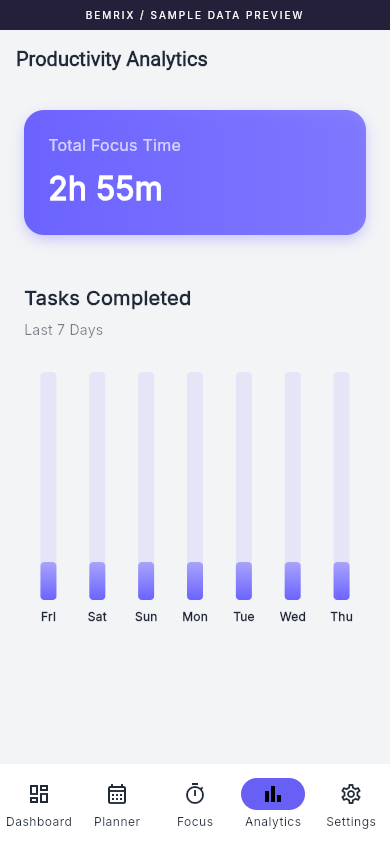
Review recorded task completions and accumulated focus time in a simple, readable overview.
DESIGNED FOR EVERYDAY USE
Your tasks, your structure.
Set priorities, choose categories, add notes and plan recurring routines. Completed one-time tasks move into history.
A workspace that feels yours.
Light and dark themes, selectable accent colors and custom categories let the app adapt to personal preferences.
Data close to home.
Tasks and settings persist locally with Hive. JSON export and validated restore support moving task and category records.
BEHIND THE INTERFACE
Small details.
Stronger foundations.
The portfolio preparation included a review of the existing application, followed by targeted reliability improvements.
- A monotonic focus clock accounts for delayed callbacks and prevents a session from being credited twice.
- Recurring completion state refreshes when the app resumes; weekly boundaries are compared across calendar years.
- Backup files are parsed before replacement, with an explicit restore confirmation and storage rollback on write failure.
- Android-specific services are guarded so the browser preview can start without native plugins.
Riverpod connects UI state to the local Hive store. Flutter supplies the shared interface, while a native Android bridge handles alarm scheduling on supported devices.
PROJECT SCOPE
A real app.
An honest showcase.
This is a self-initiated portfolio project, not commissioned client work. The screenshots show the working Flutter browser preview with isolated sample data, not customer records or fabricated interface mockups.
Android reminders depend on device permissions and platform behavior. Browser reminders, cloud synchronization and a published app-store release are not part of this showcase. Analytics reflect stored completion records; a full recurring-task activity ledger is a future improvement. Backup export covers tasks and categories, not achievements or focus totals.
YOUR NEXT PRODUCT
Make room for
your app idea.
Let’s turn an everyday problem into a useful mobile experience.
Discuss your mobile app ↗